 Padrail
A free EdgeBar alternative for Mac
Padrail turns the edges of your MacBook trackpad into volume and brightness sliders, like EdgeBar does. It's free, with no license key, and it adds a top edge that adapts to the app you're in.
Padrail and EdgeBar side by side
Both apps put controls on the edges of the trackpad. Here is what each one offers.
| Feature | Padrail | EdgeBar |
|---|---|---|
| Price | Free | €5 one-time |
| Volume and brightness on the side edges | Yes | Yes |
| Haptic feedback | Yes, a tick at every step | Yes |
| Music controls | Yes, skip tracks from the top edge | Yes |
| Top edge that adapts to the app (tabs, zoom, desktops) | Yes | — |
| Keyboard light on the bottom edge | Yes | — |
| Pick any job for any edge | Yes | — |
| Live preview of your finger in Settings | Yes | — |
| macOS version | 13 or later | 13 or later |
EdgeBar details are taken from its public website as of November 2026. A dash means the feature isn't listed there.
What you get with Padrail
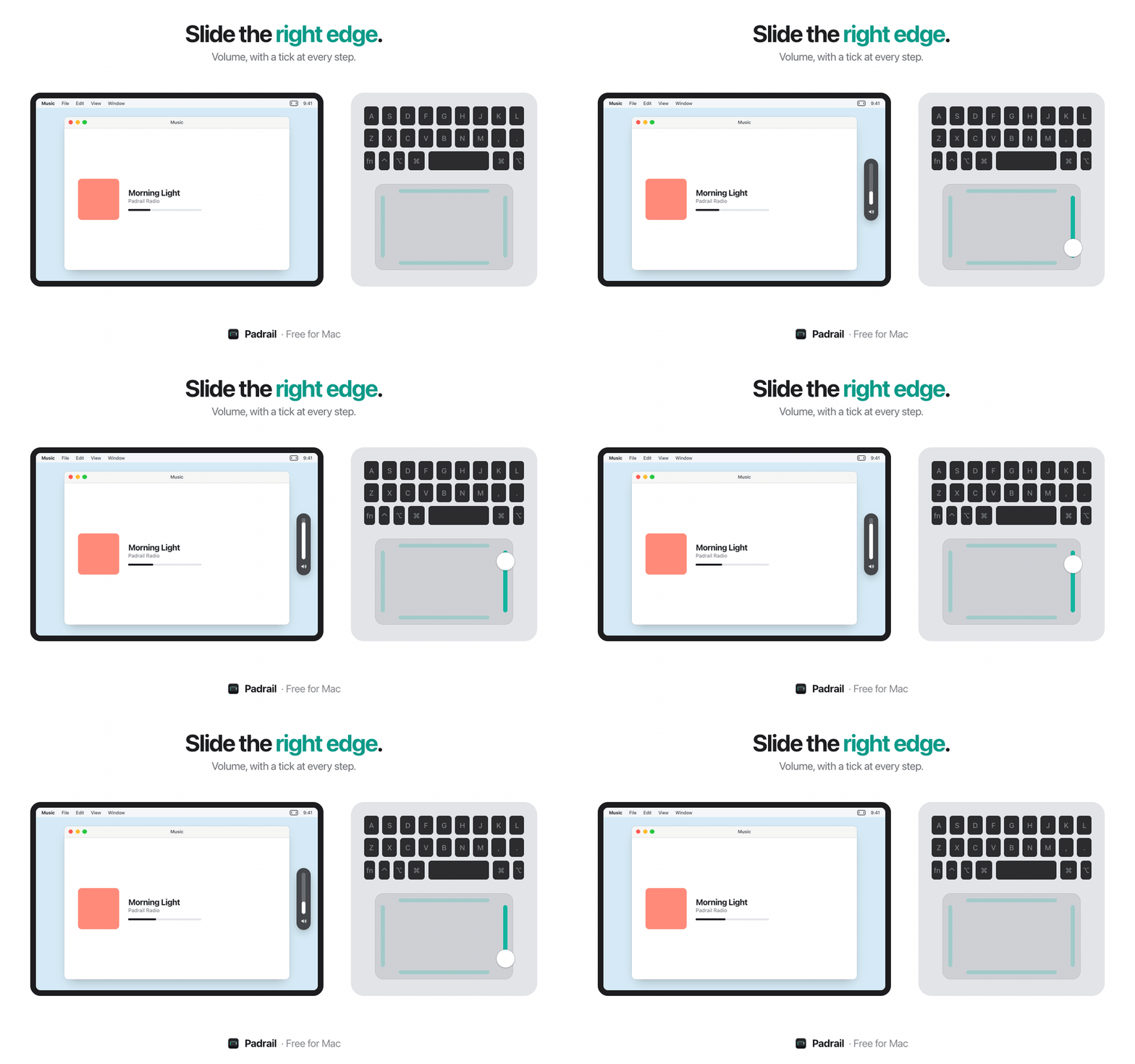
- Right edge: volume, with a haptic tick at every step and an on-screen level.
- Left edge: brightness of the built-in display.
- Top edge: adapts to the app in front. It switches tabs in Safari, Chrome and Arc, zooms in Figma and Preview, skips tracks in Spotify and Music, and switches desktops everywhere else.
- Bottom edge: keyboard light.
- No accidental triggers: a slide counts only when one finger lands on the edge and moves along it.
- It opens at login, lives in the menu bar and updates itself.
Switching from EdgeBar
Quit EdgeBar first: both apps react to fingers on the trackpad edges, so running them together would change the volume twice. Then download Padrail, open it, and it shows a live preview of the trackpad so you can try every edge right away.